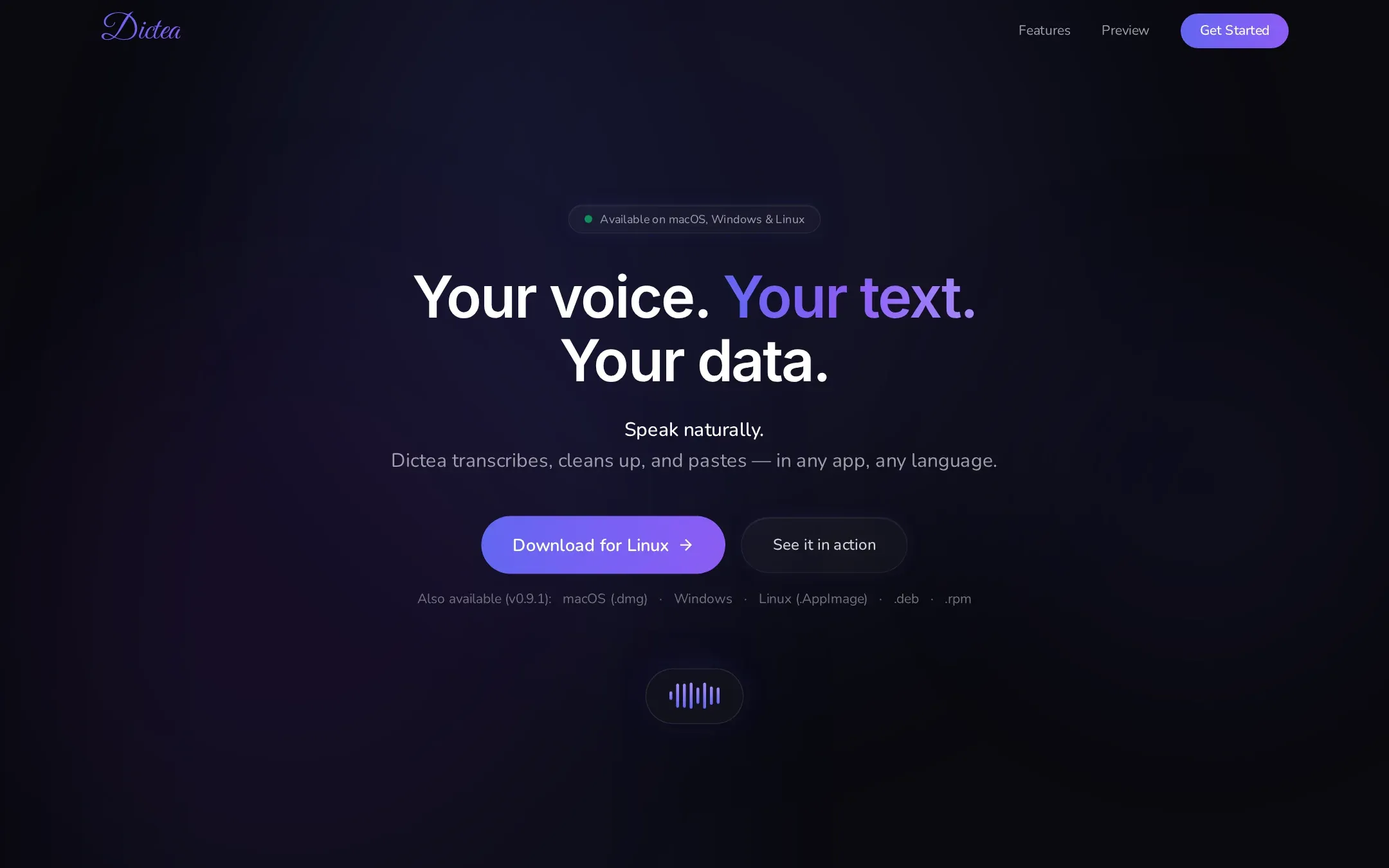
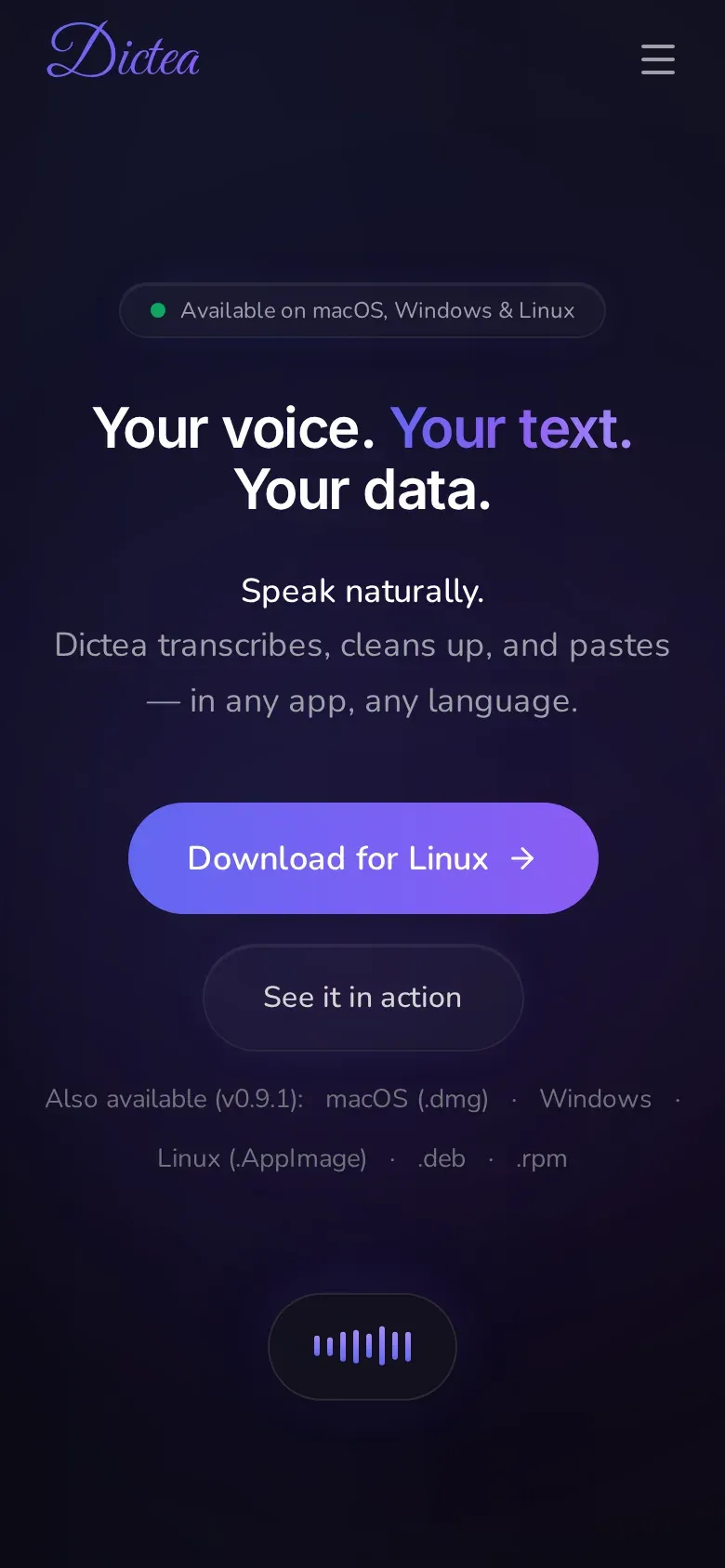
Dictea is a desktop app built with Tauri. Press Cmd or Ctrl+Shift+Space, speak, press it again, and Dictea transcribes what you said, optionally cleans it up, and pastes it into whatever app has focus.
You choose the transcription engine. Cloud engines from OpenAI, Groq, Mistral (Voxtral) and Google Gemini use your own API key. Parakeet runs entirely on your computer after a one-time model download of about 670 MB.
Key features
01
Works in any app
Global shortcut to start and stop, and the text is pasted at the cursor.
02
Local or cloud
Parakeet runs on your machine; OpenAI, Groq, Voxtral and Gemini use your own key.
03
Clean-up
Optional reformulation removes filler words and repetitions and fixes grammar.
04
Translation
Can translate into French, English, Spanish, German, Italian or Portuguese.
05
Fully offline on recent Macs
On macOS 26 with Apple Intelligence, Parakeet plus Apple's on-device models keep the whole pipeline local.
How it works
The app has a Rust core that captures audio and talks to the chosen engine, with a React interface. Audio is not stored and Dictea has no backend of its own. Releases are published on GitHub for macOS (Apple Silicon .dmg), Windows (.msi and .exe) and Linux (.AppImage, .deb and .rpm).
Dictea FAQ
Is Dictea free?
Yes, the app is free and open source. If you choose a cloud engine, that provider bills you through your own API key. The local Parakeet engine needs no key.
Does Dictea work offline?
Transcription does, with the local Parakeet engine. Clean-up and translation need a provider, or Apple Intelligence on macOS 26 and later.
Which platforms are supported?
macOS on Apple Silicon, Windows (x64) and Linux (x86_64, as AppImage, .deb or .rpm).
Why does macOS block Dictea when I first open it?
The app is not notarized by Apple. The Dictea FAQ gives the command to clear the quarantine flag after installing.